
Resources
The films, the architecture FAQ, and how the product works process by process.
Every Alert. Answered.
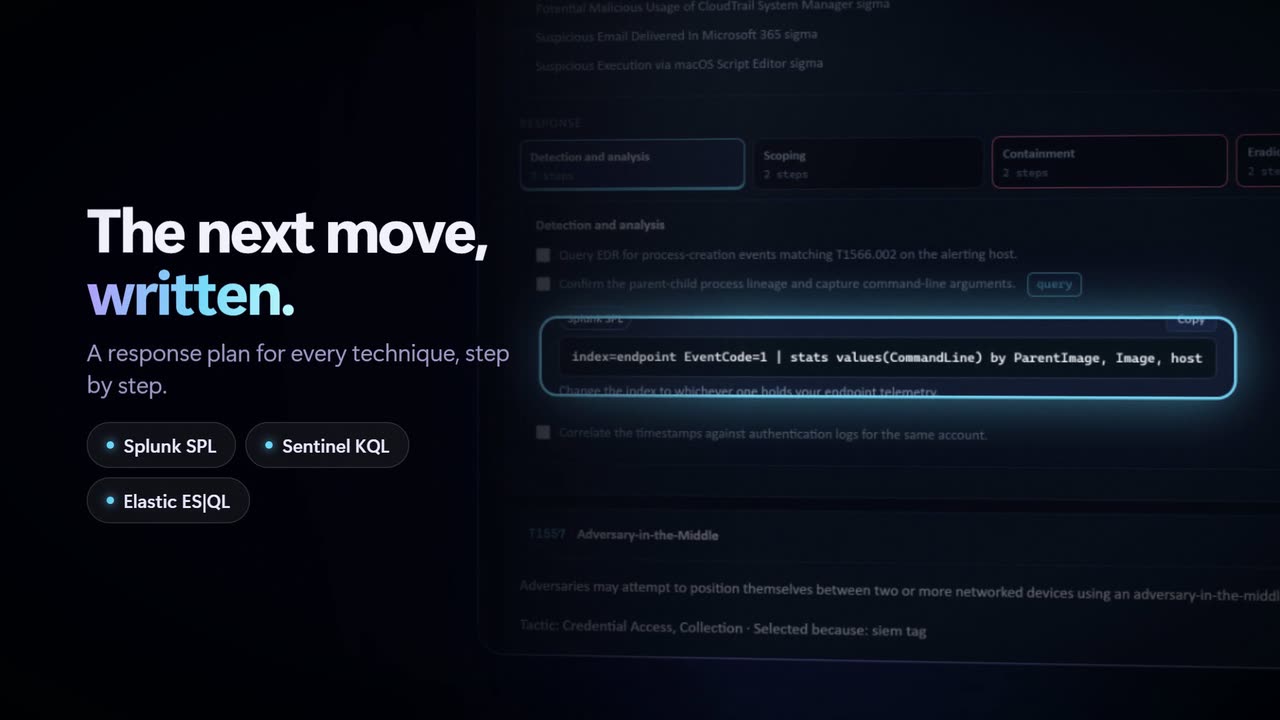
The launch film. What Neotelix is for, in the words the product itself uses: an alert arrives, it is investigated against live intelligence, and it leaves with a verdict and a plan.
The launch film starts with the sound off. Pick any film below and it plays up here, with sound.
The library
Eighteen films, grouped by what they cover. Pick one and it opens in the player above.
 Overview
Every Alert. Answered.
The launch film. An alert arrives, it is investigated against live intelligence, and it leaves with a verdict and a plan.
2:42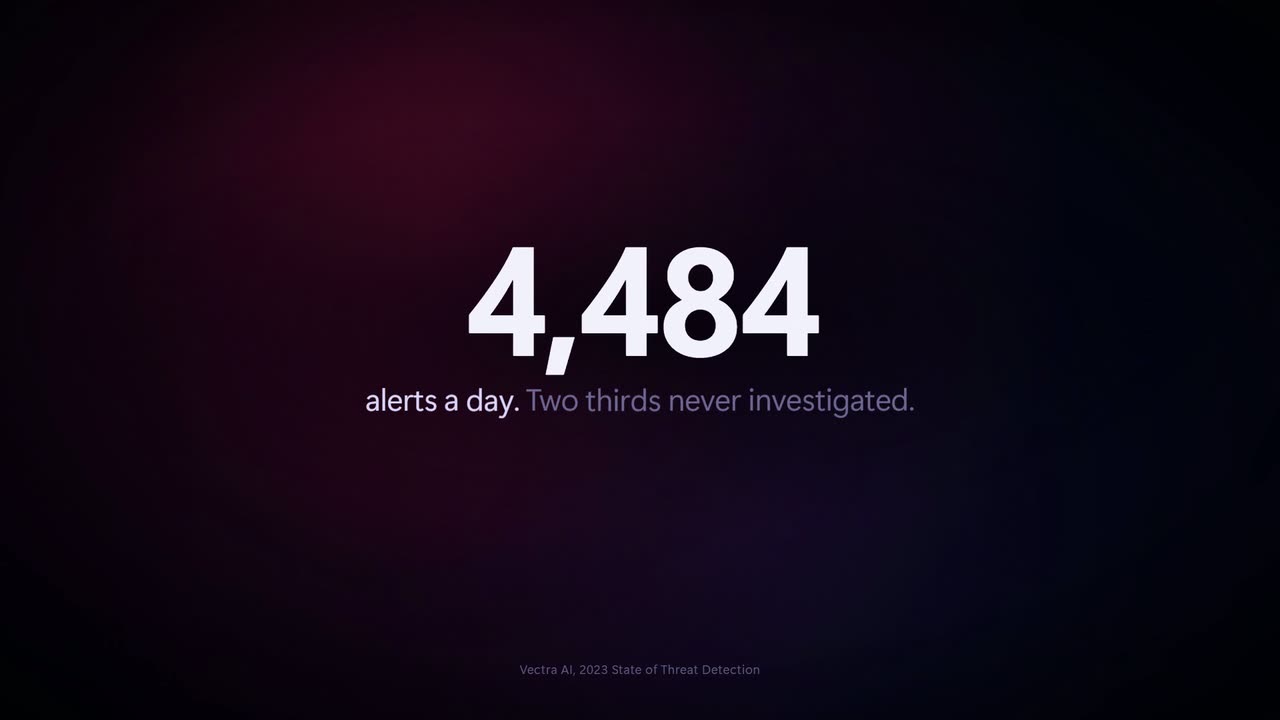 Overview
Neotelix in 30 seconds
The shortest version. Worth starting here if you have one minute and a colleague to convince.
0:30 Overview
Neotelix in 90 seconds
The same story with room to breathe: where the intelligence comes from, what the analyst is handed, and what is left for a human to decide.
1:35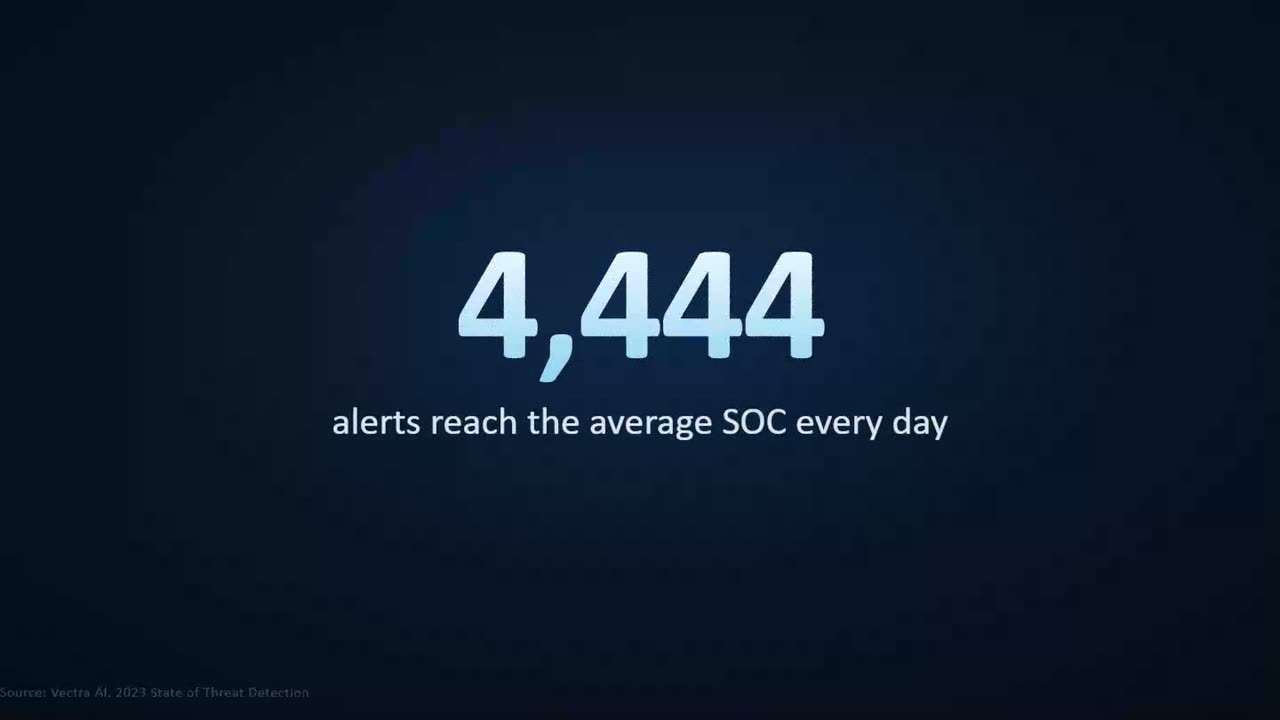 Overview
Why Neotelix
The problem before the product. One senior analyst, forty browser tabs and a queue that does not care which alert mattered.
2:27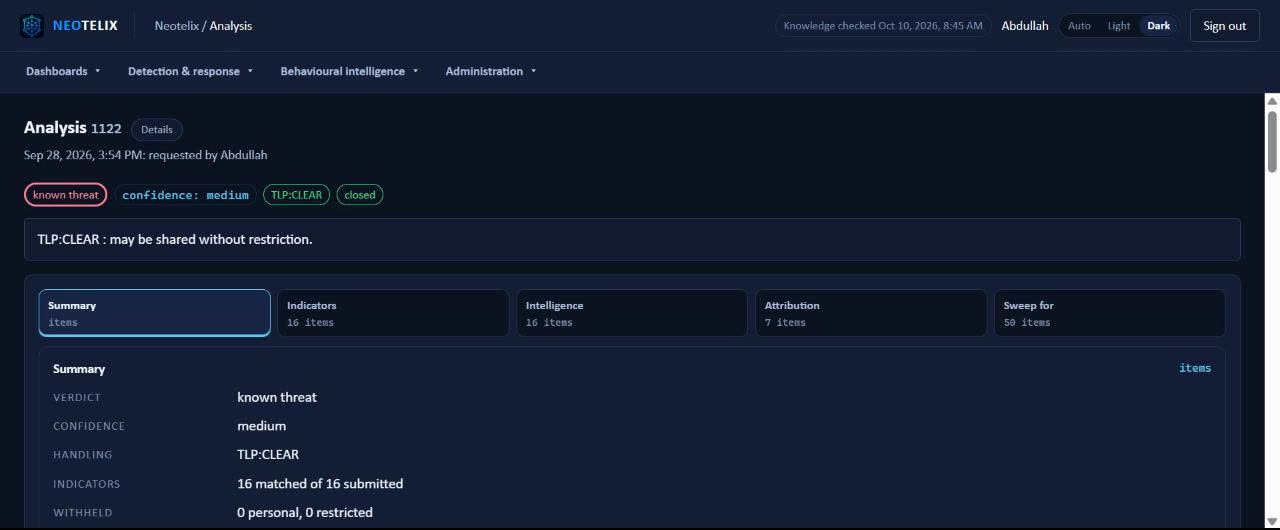 Overview
The console, end to end
A narrated tour of the running console: an analysis opened, its evidence read, the response plan worked and the report sent.
3:27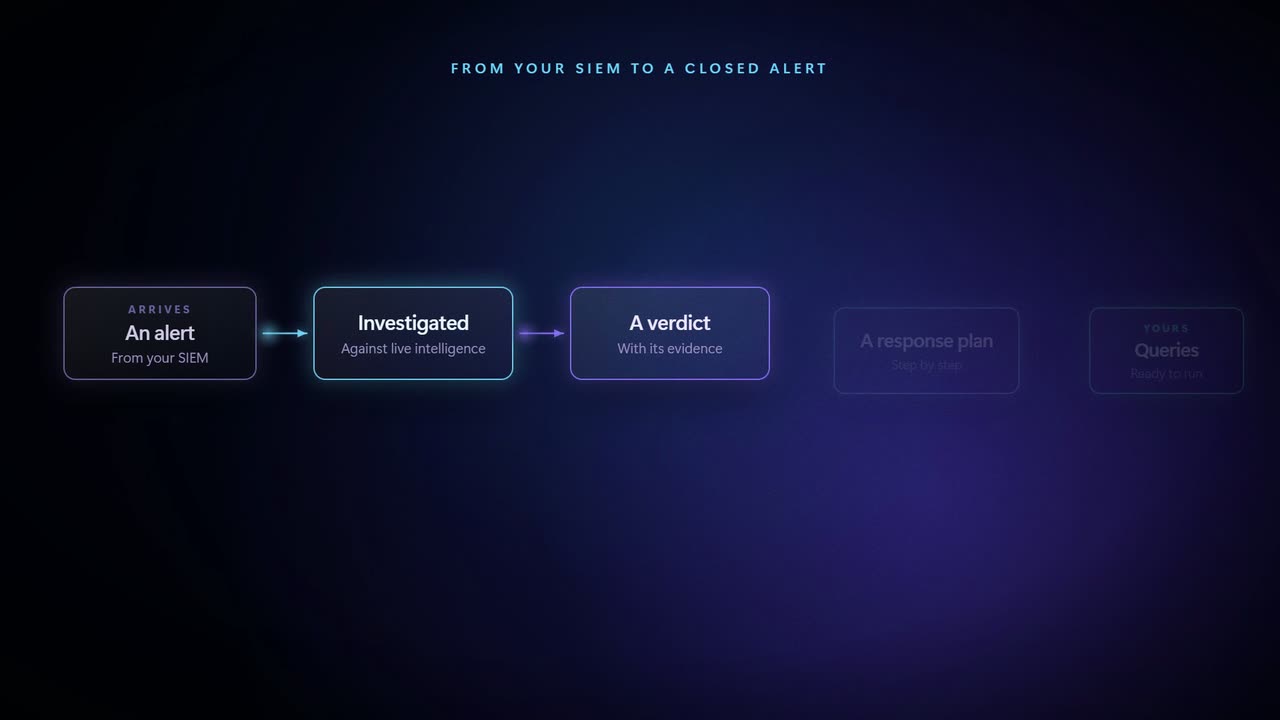 The analysis
How an alert is answered
From your SIEM to a closed alert, end to end, with nothing skipped in the middle.
0:29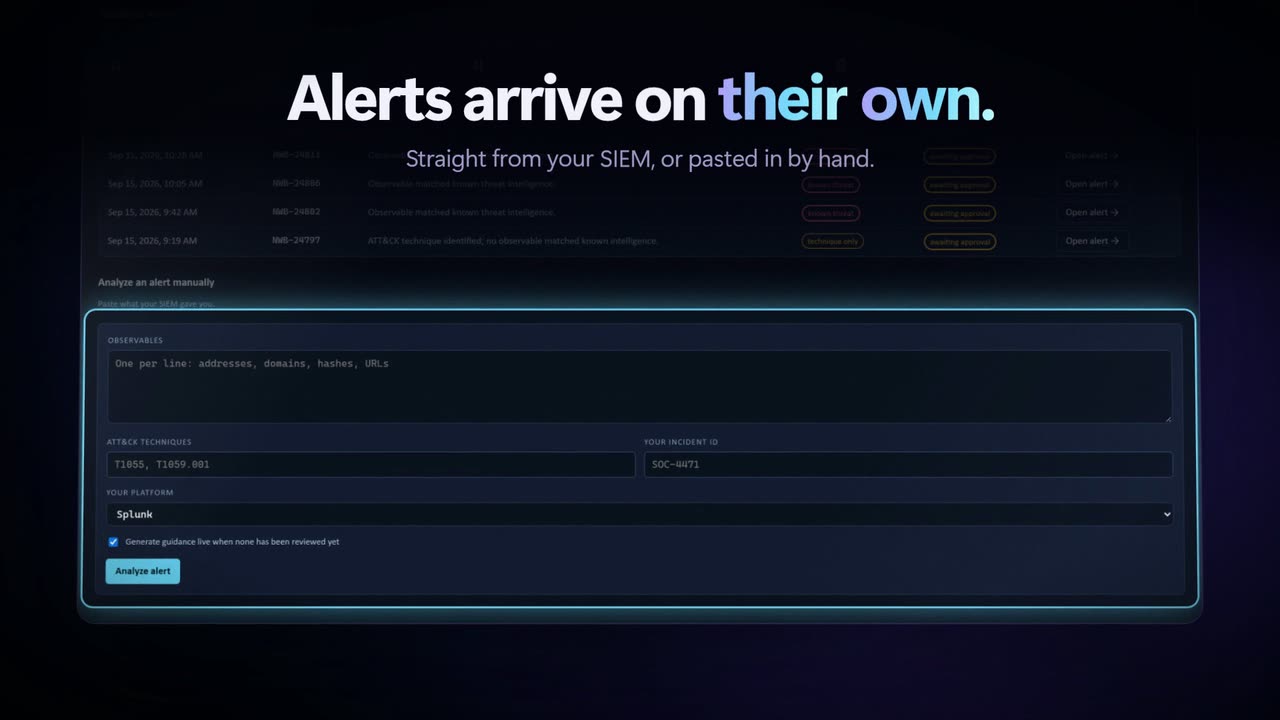 The analysis
From alert to answer
The intelligence, written out. The reasoning sits on the page instead of across a dozen vendor tabs.
1:16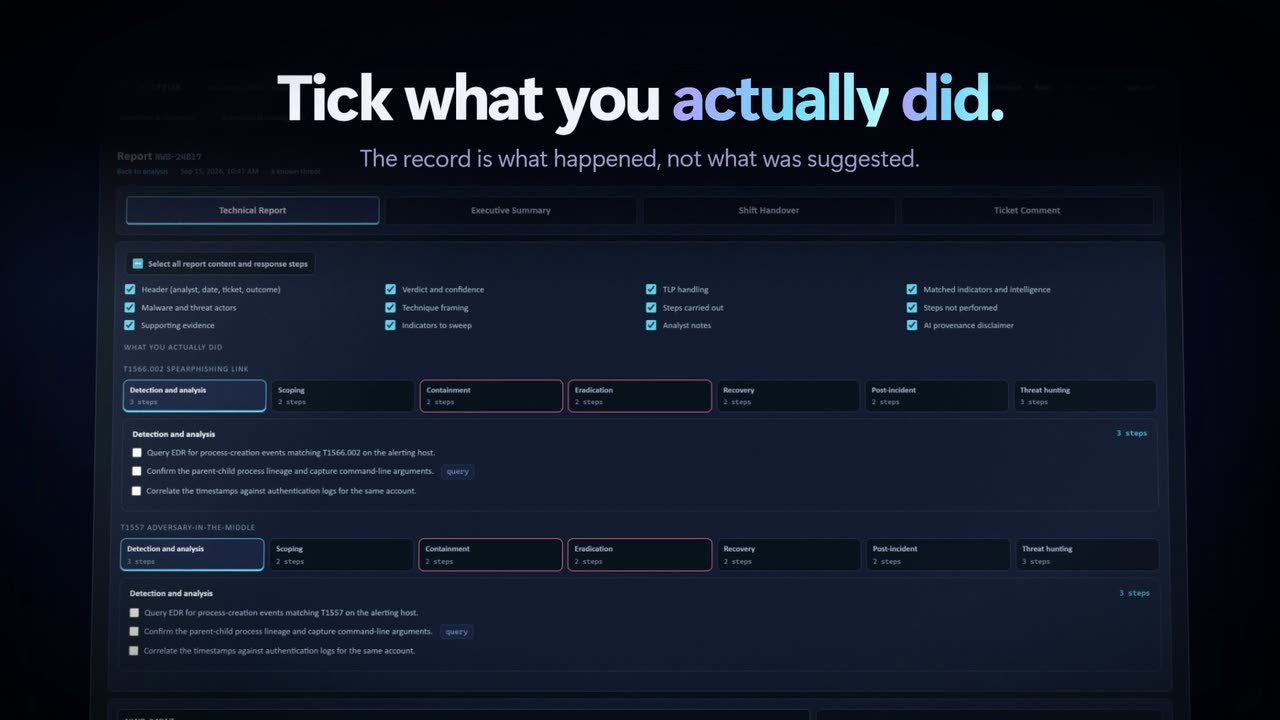 The analysis
The response plan
Steps, not slogans. The NIST 800-61 phases, each one filled with actions written for the analyst on shift.
1:03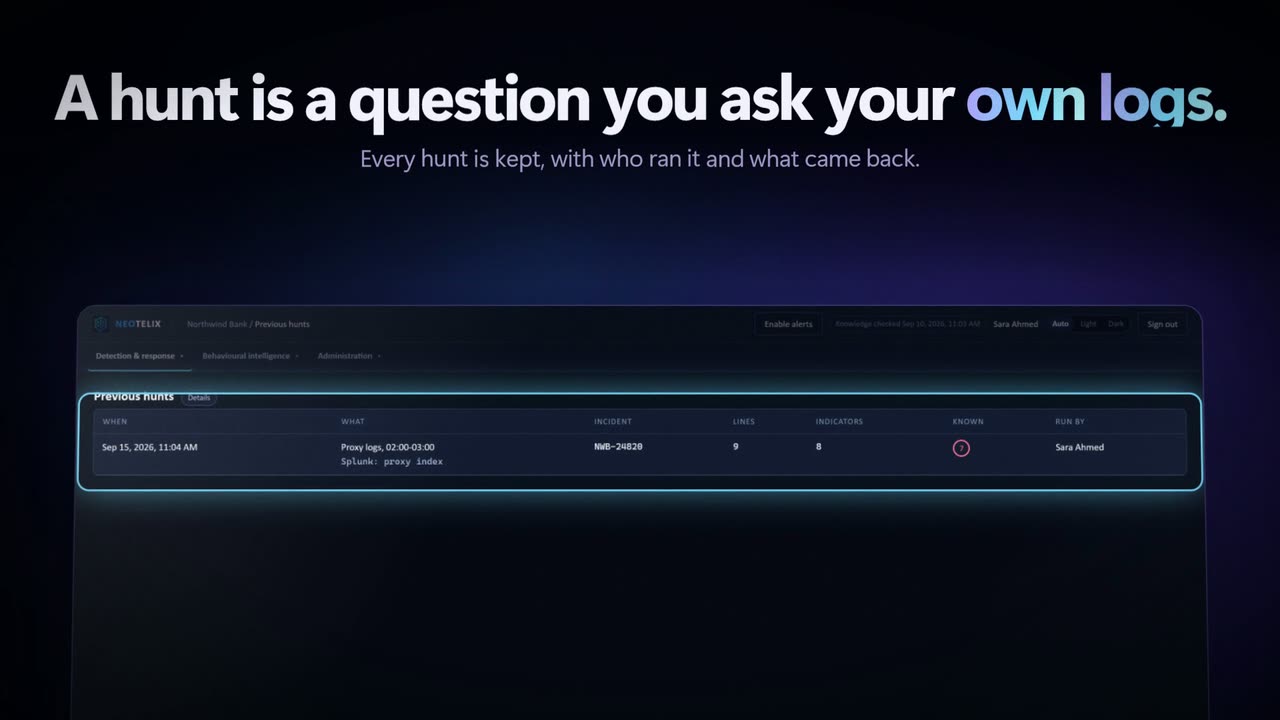 The analysis
Threat hunting
The hunt built from the same evidence as the verdict, with queries ready to run against your own index.
0:52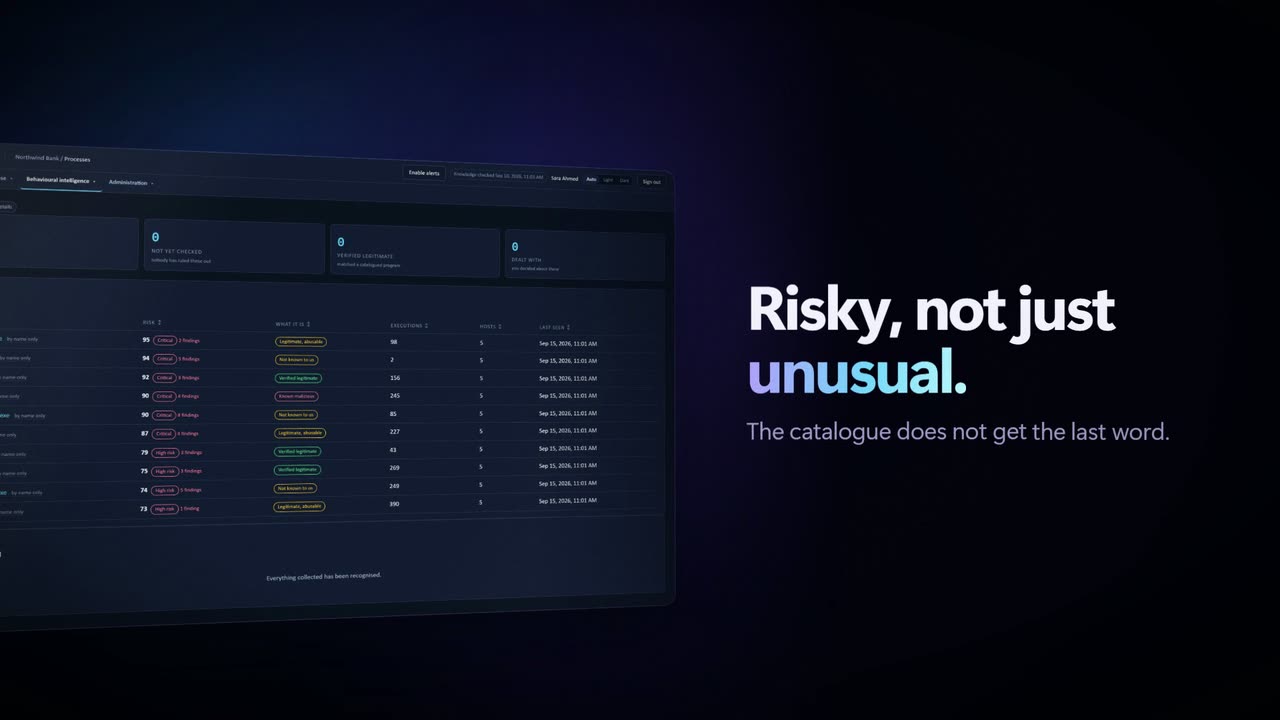 Behaviour
al intelligence
Risky, not just unusual. Peer groups decide what normal means here, so the catalogue does not get the last word.
1:17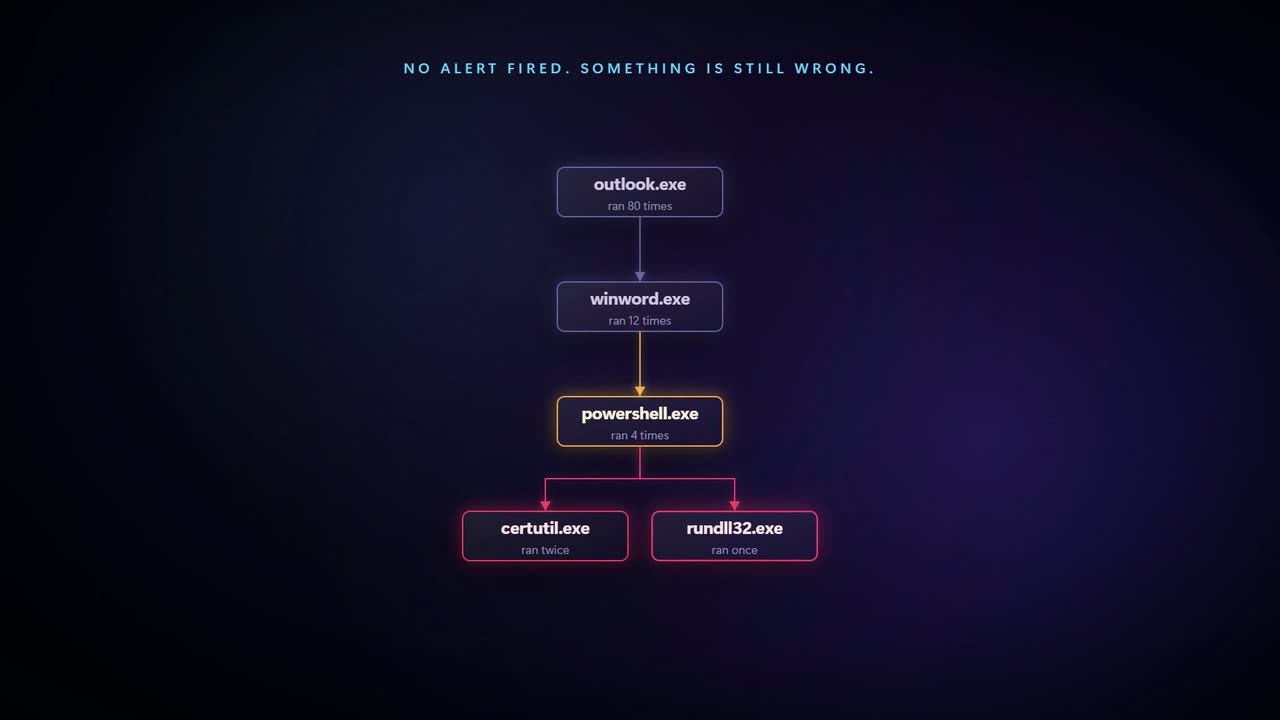 Behaviour
Catching an attack that never alerts
Nothing fired. Every control held. The activity still does not belong, and behaviour is the only thing that says so.
0:31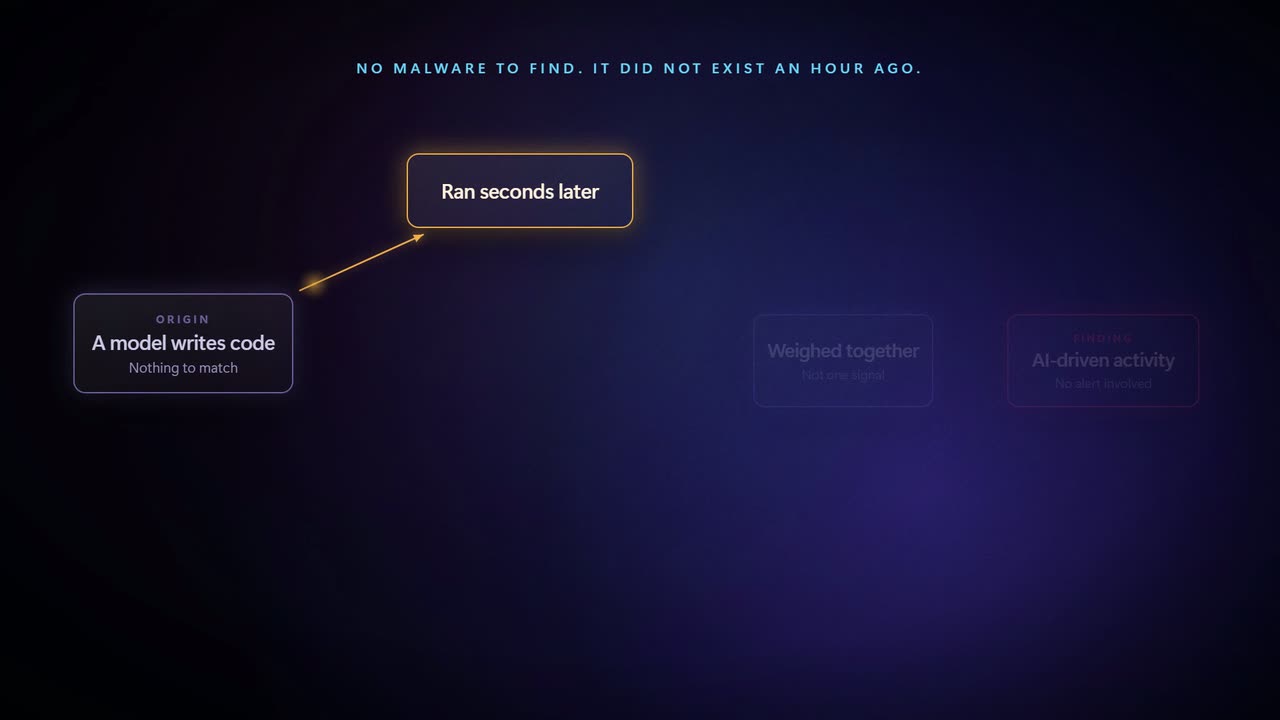 Behaviour
Catching an attack a model wrote
No malware to find, because it did not exist an hour ago. What you can still see is how it behaved.
0:30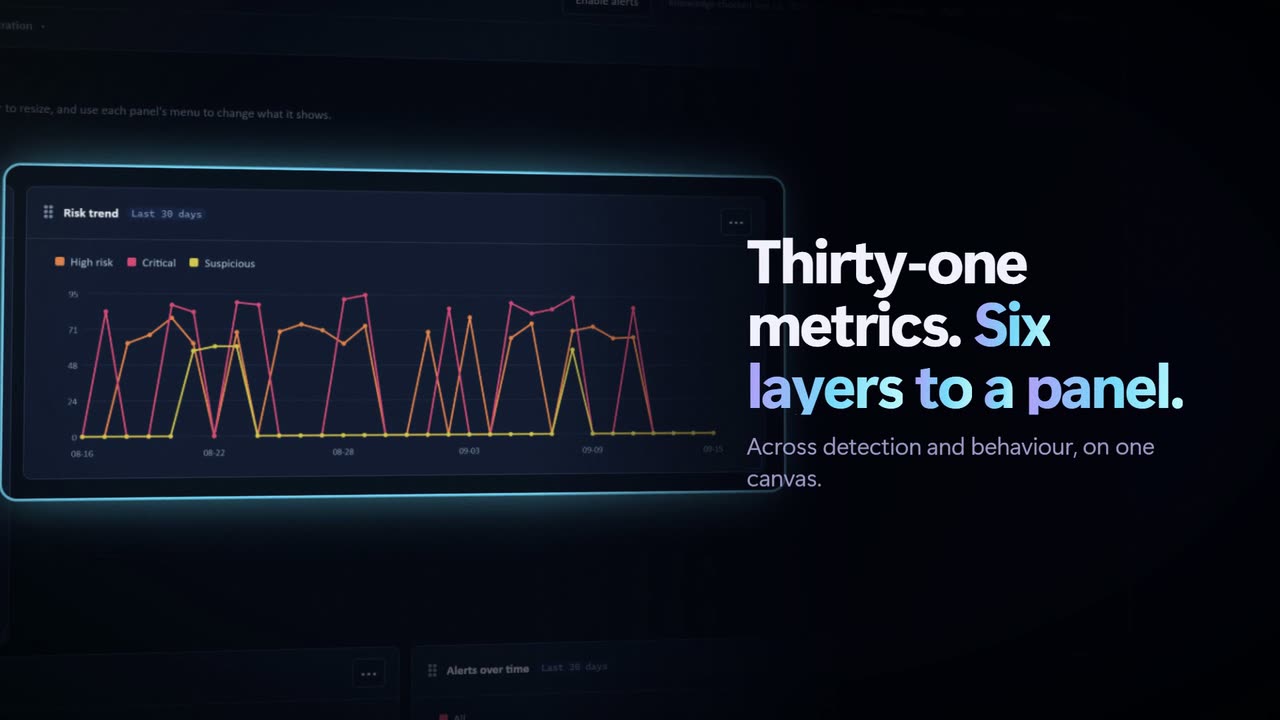 Day to day
Dashboards
Thirty-one metrics across detection and behaviour, six layers to a panel, all on one canvas.
0:41 Day to day
Reports and handover
Built from what you already read. The report makes no new claims at the moment of sending.
1:02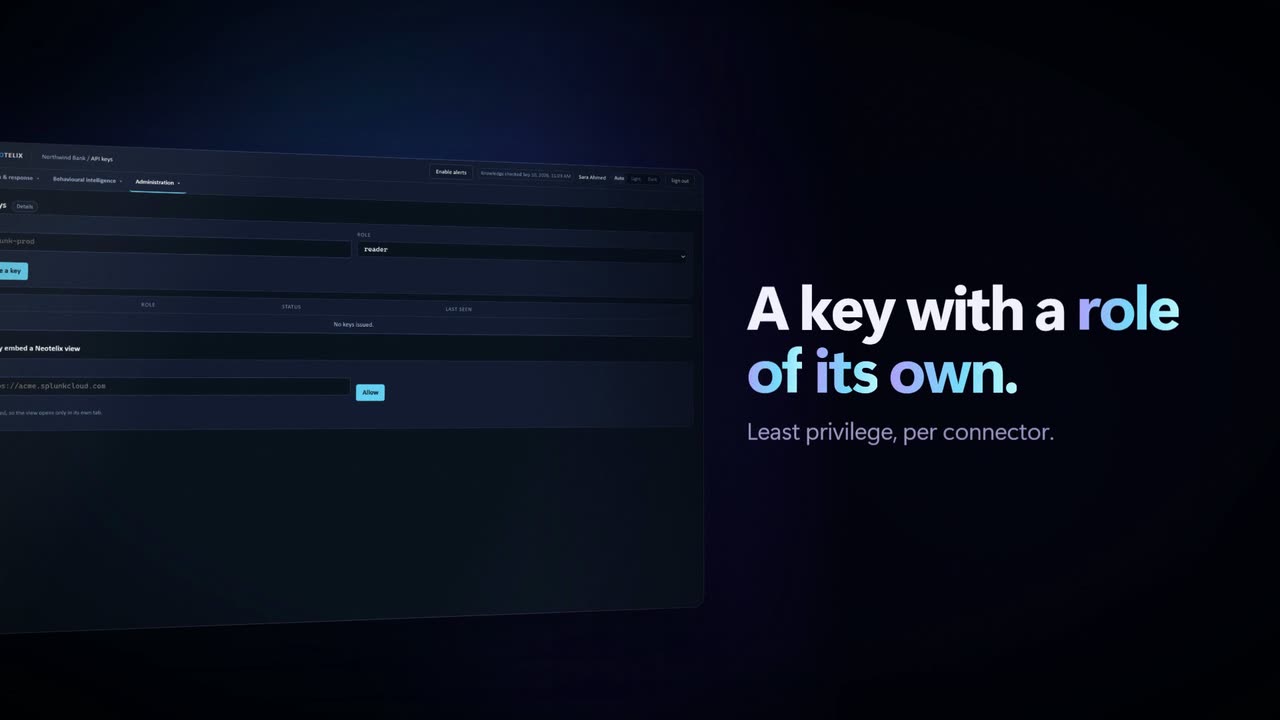 Day to day
Inside your SIEM
The analysis opens inside Splunk. Right-click an indicator and the answer arrives in place.
1:07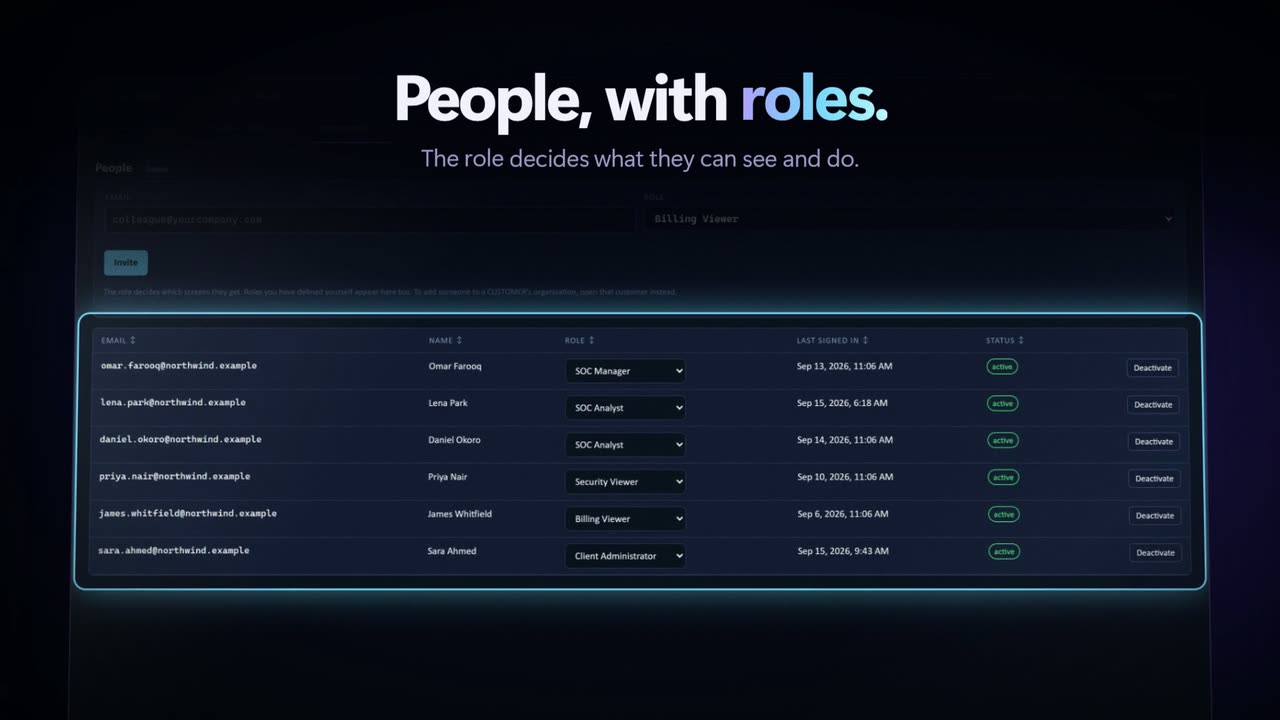 Day to day
Setting up your organisation
Tenants, roles and sign-in. Bring your own identity provider and your directory stays the authority on who is who.
0:48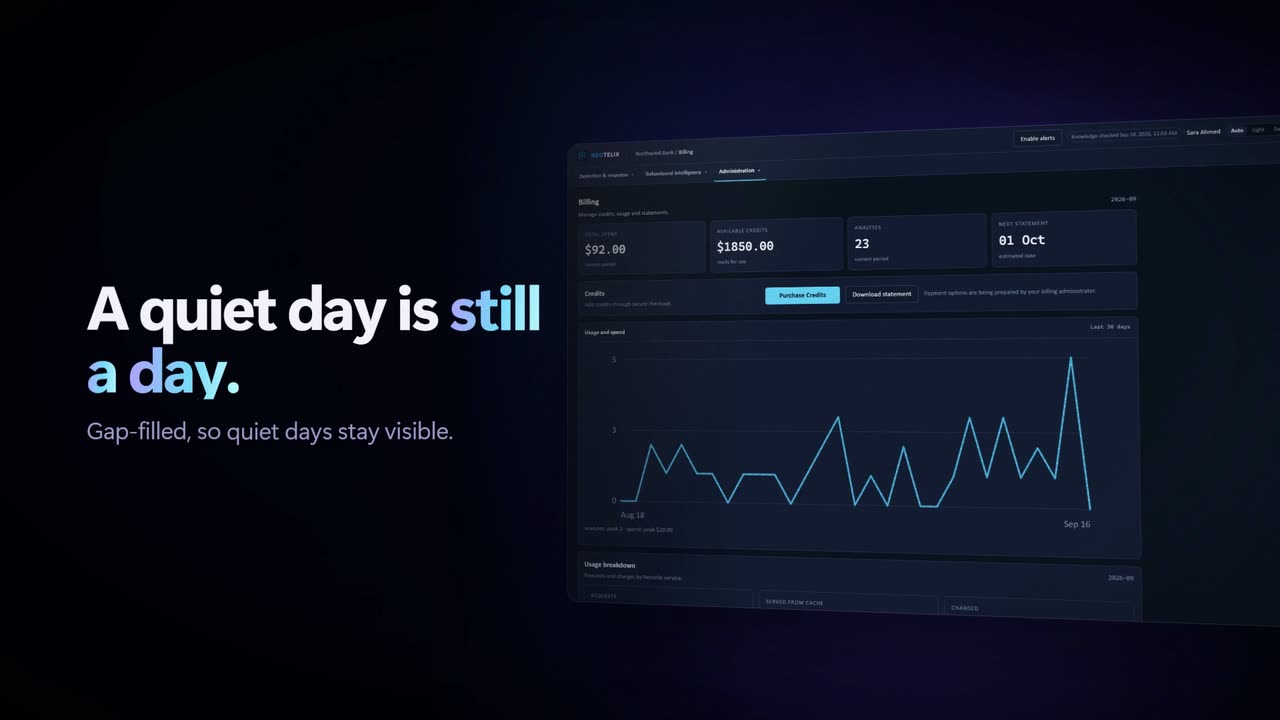 Day to day
Billing you can read
An itemised statement. One flat table, the tenant on the row, and nothing rolled up out of sight.
1:00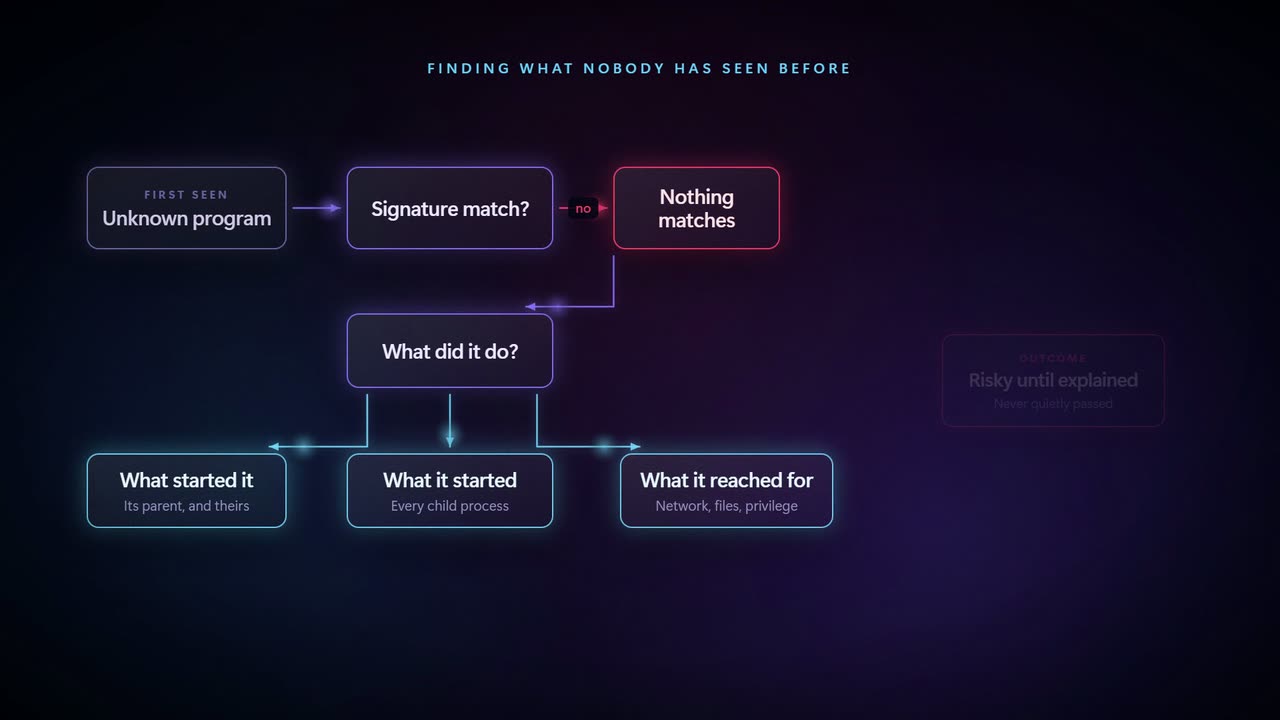 The long view
The executive briefing
Four minutes for the people who sign for it: the case, the shape of the platform and the limits stated out loud.
4:21Architecture FAQ
How a request proves who it is, how one customer's data is kept from another's, where it all runs, and what the language model ever sees.
Section A Identity and access 10 questions
Two kinds of caller reach the API: machines carrying a key and people carrying a session. Both end at the same place, and the order in which they are checked is fixed rather than incidental.
How does a request prove who it is?
Two ways, and only two. A machine sends an API key in the X-API-Key header on every request. A person's browser sends a session cookie issued when they signed in. One dependency handles both, so there is a single place in the code where identity is decided.
Whichever path ran, the result is the same object: an organisation, a role, and the set of permissions that role carries. Everything downstream reads that object and never looks at the credential again.
What happens if a request carries both a key and a cookie?
The key wins and the cookie is ignored outright. It is not tried as a fallback, and this is deliberate.
Consider the alternative. A browser holding a cookie for one organisation sends a key belonging to another. If both paths ran, both would set the database scope, and whichever executed last would decide what the request could see. Which organisation's data came back would then depend on the order of two dependencies — a property nobody wants to reason about, and one that a refactor could silently invert.
The same key-first check appears in the dependency that resolves the human user, because that one runs alongside rather than after. A test catches it if either copy drifts.
How are API keys stored? Can someone retrieve a key later?
No. A key is hashed on creation and only the hash is stored. The full value appears once, on the screen that created it, and nothing in the product can show it again.
This is why the admin view lists keys by name, role, creation date, expiry and last use, but never the key itself. Losing a key means issuing a new one and revoking the old, which takes seconds and affects nothing else.
How long does a session last, and can it be ended early?
Twelve hours. The cookie is named with the __Host- prefix, which binds it to the exact origin that set it and forbids a subdomain from writing over it. It is marked HttpOnly, so no script can read it and cross-site scripting cannot carry it away; Secure, so it never travels unencrypted; and SameSite=Lax, so it is not attached to cross-site POSTs.
Sessions are stored as hashes, the same as keys, and every lookup requires the session to be unrevoked. Revoking one takes effect on the next request rather than at the next expiry.
Do you hold our users' passwords?
For organisations that sign in through their own identity provider, no. Your directory stays the authority on who a person is, and we hold only the identifier it returns. An account disabled in your directory cannot sign in here, and nobody has to tell us.
Machines have no person behind them, so they carry keys instead. A key names its role and its last use, and revoking one touches nothing else.
Our Active Directory is on premises. Can we still use it?
Yes, through Entra ID. Neotelix speaks OpenID Connect and nothing else, and a domain controller has no OpenID Connect endpoint — so Entra sits in front, your AD Connect keeps it in step with your directory, and Entra is the only thing we ever talk to.
Your people keep signing in with the account they already use. If you run pass-through authentication or federate to AD FS, the password is checked on your side and never leaves your estate at all. Either way it never reaches us: we receive a signed token, check it, and mint a session of our own.
Nothing is installed on your side for this. No agent, no connector, no service account in AD, and no inbound path from us into your network.
What do you configure, and what do you check on the token?
You register an application in your own Entra tenant and give us the issuer URL and the client id. There is no client secret, because the login flow uses Authorization Code with PKCE against a public client — so there is nothing here to store, rotate or leak.
We pin your directory id on every token. Entra mints tokens for every Azure tenant from one issuer, so a multi-tenant app registration would otherwise accept a token issued by anybody else's directory. The token's signature, issuer, audience, expiry and signing algorithm are each checked explicitly rather than left to a library default, and every one of those checks has a test that fails if it is removed.
We have no Entra ID at all — on-premises Active Directory only, with internet access. What then?
AD FS, and nothing in the cloud. AD FS 2016 and later speaks OpenID Connect natively, it runs on the Active Directory you already have, and it needs no Azure tenant, no Entra ID and no directory synchronisation of any kind. Keycloak federated to your directory over LDAP does the same job if you would rather not run AD FS.
The one thing you have to do is publish it. Our side has to reach the issuer to read its configuration and its signing keys, and we refuse an issuer that resolves to a private address — so an internal-only name like adfs.corp.local will not work. A Web Application Proxy in your DMZ publishing sts.yourcompany.com is the standard Microsoft pattern for exactly this, and it exposes only the federation endpoints. Your domain controllers stay where they are.
Worth separating the two halves, because only one of them needs any of this. Your SIEM sending us alerts carries an API key, not a user identity — that path involves no identity infrastructure at all and works the moment you have outbound internet. The federation is only for people signing in to the console.
Two settings are easy to miss. AD FS needs a claim rule that releases the e-mail address, because the address is what binds a sign-in to the invitation that created the account — without it the first login fails in a way that looks like a permissions problem. And the directory-id pin described above is specific to Entra, which issues tokens for every directory from one address; AD FS does not, so that field is simply left unset.
Could you connect straight to a domain controller instead — LDAP, or AD FS on its own?
Not to a domain controller. There is no LDAP, no Kerberos and no directory read anywhere in the product, by design: it would mean a credential that could enumerate your directory, and a network path into your estate that currently does not exist.
Any OpenID Connect provider works — Okta, Ping, Keycloak and JumpCloud as well as Entra and AD FS — and all of them are subject to the same public-issuer constraint as the previous answer. That guard exists because a configuration form which fetches whatever URL it is handed is a server-side request forgery sink.
What decides what a caller may do once it is identified?
A role, and the permissions that role carries. Running an analysis, approving guidance, reading the bill and managing keys are separate permissions, so read-only access is genuinely read-only.
Permissions come from the caller's own organisation and never from the organisation they are looking at. A provider who selects a customer changes what they can see, never what they are allowed to do.
Section B Tenant isolation 7 questions
The question underneath every other question. The answer is that isolation is enforced by the database, on every table, rather than by each query remembering to ask for it.
How is one customer's data kept out of another customer's results?
PostgreSQL row-level security. Every tenant-scoped table carries a policy, and each policy tests one value: the list of organisations this request is allowed to see.
That value is set once, at the start of the request, from the credential. From then on the database filters, whatever the query says. A query that forgets to mention the organisation still returns only rows the caller may have.
What if a developer forgets a WHERE clause?
Nothing crosses. The policy is not a convention the query opts into; it applies to every statement on that table for the whole transaction.
We test this by deliberately breaking it. Removing the application-level filter from a query and running the cross-organisation test still returns nothing, because the database was doing the work all along. Application filters remain in the code as a second layer, and the tests say plainly that nothing reaches them.
What happens if the scope is never set at all — a bug, a new code path, a missed dependency?
Every query returns empty. The policy compares against a setting that reads as NULL when it was never set, and a comparison against NULL is neither true nor false, so no row qualifies.
This is the property worth having. The failure mode of the isolation layer is an empty page, never somebody else's data. An empty page gets reported within minutes; a silent cross-tenant read might never be.
The scope is set on a pooled connection. Does it leak into the next request?
No, because it is set with SET LOCAL rather than plain SET. Postgres scopes a LOCAL setting to the transaction and discards it at commit or rollback.
A plain SET would persist on the pooled connection and hand the next request whatever the previous one was allowed to see. That is the exact bug this choice exists to prevent, and it is the kind that appears only under load.
How does a managed provider work across several customers, then?
Organisations nest. A provider holds customers beneath it and selects one from the top bar, which narrows the scope to that customer.
Two rules make this safe. Selecting a customer can only ever reduce what is visible, never widen it — a provider cannot select its way into an organisation it does not hold. And permissions keep coming from the provider's own organisation, so the selection changes the data in view and nothing about what may be done to it.
If everything depends on that one value, what sets it?
A small number of database functions that run with elevated rights, because they have to read the key table before any scope exists — the chicken-and-egg at the start of every request.
They are the only sanctioned path to that table, they take a credential and return a scope, and they are short enough to read in full. Everything else in the system runs unelevated and inside the scope those functions produced.
Why not a separate database per customer?
It trades one failure mode for another. Separate databases make isolation obvious but make a schema change a fleet operation, and a migration that half-applies leaves customers on different versions of the product.
Row-level security keeps one schema and puts isolation where it cannot be forgotten. The honest cost is that it depends on the policies being right, which is why they are mutation-tested rather than assumed.
Section C Deployment and network 7 questions
Where it runs, what reaches it, and what you have to change on your side. The short answer to the last one is nothing.
Where does Neotelix run?
In our own Azure subscription, as containerised services behind managed ingress. The API serves requests; a worker runs the queued and scheduled work. Both scale by replica count, and both are stateless — everything that matters is in the database.
What do we have to open in our firewall?
Nothing inbound. Your SIEM makes an outbound HTTPS connection to us on 443, the same as any other cloud integration it already talks to.
You publish no endpoint, you open no port, and there is no agent to install on an endpoint. If your outbound policy is allow-listed, one hostname is the whole change.
Is the database reachable from the internet?
No. Public network access is disabled on the server, and it is reachable only from inside the private virtual network the services sit in. There is no address to reach from outside, with or without a password.
Behavioural data lives in a second database with its own credentials, so a credential for one does not open the other.
How is traffic encrypted, and how do you know?
In transit, the database requires secure transport and refuses anything below TLS 1.2, and every service refuses insecure ingress. At rest, Azure encrypts the storage with service-managed keys.
A script in the repository checks each of those against the live deployment and prints the value it found, so the claim is verifiable rather than asserted. It reports customer-managed keys as not in use, because that is a separate commitment we have not made.
Where are secrets kept?
In Azure Key Vault. The services fetch them using a managed identity, which means there is no bootstrap password stored anywhere — the platform vouches for the service's identity and the vault decides what it may read.
Deployment credentials work the same way. The pipeline authenticates to Azure by federated identity tied to one exact repository and branch, so there is no long-lived deployment secret to leak.
Is there a time limit on a request?
Yes, 240 seconds at the ingress layer, and it is not configurable below the premium tier. A request still running at that point is closed by the platform.
This matters because a first-time analysis of an unseen technique is a live model generation and can approach that. When it happens the work is not lost — it completes and the result appears in the analysis history — but the browser that was waiting sees a timeout. Section F says what we are doing about it.
Can it run in our own tenant, or on our own hardware?
Not today. It is a single multi-tenant deployment in our subscription, and a self-hosted installation is a different product with a different release and support model.
If that is a requirement rather than a preference, it is worth saying so early, because the answer is a roadmap conversation and not a configuration flag.
Section D The language model 6 questions
The answer is narrow: the model writes about a technique, not about you.
What does the model actually receive?
A prompt built from our knowledge base for one technique: the technique identifier, the detection rules we hold for it, the mitigations and validation tests, the campaigns and binaries associated with it, and the required output format.
It does not receive your log lines, your alert, your host names, your account names, or anything that identifies your organisation. The prompt is assembled from our own data, and there is nothing of yours in it to leave out.
So how is the answer specific to our alert?
It is not, and that is the design. The model writes guidance about a technique. Your alert selects which technique, and the console presents that guidance next to your evidence.
The practical benefit is the one that matters at three in the morning: because the guidance is about the technique rather than your incident, it can be reviewed once and reused. An approved answer serves from the database in milliseconds, with no model call at all.
Does our data train anybody's model?
There is no customer data in the prompt to train on. The prompt contains our knowledge base and the output format, so the question of training on your environment does not arise for content we never send.
What stops the model inventing a technique, an actor or a rule?
The prompt states exactly which identifiers are in scope and the output must arrive as JSON matching a fixed schema. Anything outside that list is rejected rather than displayed.
There is also a house rule fixed in code rather than in the editable prompt: name the activity, never a rule that must be installed to be understood. It exists because the system once produced a step citing a detection rule by name, which reads as precision and is useless to an analyst whose platform does not speak that format.
What if the guidance is wrong?
A person reviews it before it becomes the standing answer. The review screen puts the source evidence next to the generated steps, so the reviewer checks the working rather than trusting the output, and can send it back with a reason.
Until a technique is approved, every analysis regenerates it. After approval the same reviewed answer serves everyone, instantly and at a fraction of the cost.
Why does the first analysis of a technique take about a minute?
Because it is a live generation, and the models that write well here reason before they answer. Subsequent analyses of the same technique, once approved, are a database read.
Approving techniques is therefore the cheapest performance work available to a team evaluating the product.
Section E Data 6 questions
What is held, for how long, and who can read it.
What do you store about our alerts?
The analysis: which technique was identified, the guidance served, the steps an analyst ticked off, their written assessment, and the timestamps around it. That record is what the reports and the audit trail are built from.
Do you store our raw logs?
No, and threat hunting is the case that proves it. You select log lines, they are read, indicators are extracted and matched, and the lines are dropped. Nothing in the record of a sweep can hold one.
This is a deliberate constraint rather than an oversight. A product that quietly accumulated log lines would become a log destination, with the retention, cost and disclosure obligations that come with one.
What about personal data in the logs we submit?
Email addresses are stripped before matching, and the count of what was removed survives so you can see that something was withheld rather than silently dropped. Private network addresses are skipped too — they identify nothing outside the estate they came from.
What is recorded about what our own people do?
Every request, reads included. The question asked after an incident is rarely only who changed something; it is usually who looked.
Entries render as standard syslog lines, so they go into whatever you already collect with rather than requiring a separate export. They are kept for 400 days — thirteen months, so a full year of history is still intact when somebody asks in the thirteenth.
How long is everything else kept, and can we get it out?
Analyses and reports persist for the life of the account. Reports export as PDF and statements as CSV or PDF, both from the console, without asking anybody.
Who at Neotelix can read our data?
Staff access runs through the same scoping as everything else: an elevated function sets a scope, and the row-level policies then apply to staff exactly as they apply to a customer. There is no view that bypasses them.
Staff actions land in the same audit trail, under the staff identity.
Section F Availability, operations and known limits 5 questions
What happens when something fails, and the limits worth knowing before you commit.
What happens if the model provider is unavailable?
Analyses of already-approved techniques carry on, because they are database reads. New generations fail with a stated reason rather than a partial answer, and nothing is charged for work that did not complete.
What are the backups?
Automated Postgres backups with 35-day retention. Point-in-time restore within that window.
Geo-redundant backup is not enabled. A region-level failure in Azure is therefore a recovery-time problem for us, not a data-loss one within the retention window. Size that against your own requirements rather than taking it as adequate.
Is there high availability or a second region?
No. The API runs one to three replicas in a single region, which covers the loss of an instance and not the loss of a region. There is no standby deployment elsewhere.
This is a deliberate stage-appropriate choice, and the first thing to revisit for a customer with a formal availability target.
What are the current limits worth knowing before you commit?
- A long analysis can outlast the browser's patience. The ingress layer closes a request at 240 seconds and a first-time generation can approach it. The work completes and the result appears in history, but the page that was waiting reports a timeout.
- There is no field-level encryption. Data is encrypted at rest by the platform and in transit by TLS; individual columns are not separately encrypted.
- Behavioural analysis needs command-line capture. Without it, a scripting host launched by a document looks identical to every other launch and the capability loses most of its value. Check that field is populated in your SIEM before trialling it.
How do we verify any of this rather than take it on trust?
Three ways, in increasing order of effort. Run the encryption verification script against the live deployment and read the values it prints. Ask for the isolation tests and the mutation results behind them. Run incidents your team has already closed, which tests the answers against your own conclusions rather than a demonstration.
How it works, process by process
Ten processes. Each one shows who does what, in order, with the details that matter in practice.
Process 1 Connecting your SIEM
One connector, one key, and a decision about which rules to point at it. There is no agent to deploy and nothing to install on an endpoint.
How you do it
- Download the connector from the Integrations page in the console. Take the package built for your platform; it ships as a .tgz because some platforms refuse a zip.
- Install it and restart the platform. A restart sounds heavy-handed, but some connector components register at start-up and will not hot-reload. Skipping it produces a setup screen that reports 'not found', which reads like a missing app rather than a stale handler.
- Create an API key in the console and paste it into the connector's setup screen. Your platform's credential store holds it. It never sits in a saved search and never reaches an analyst's browser.
- Choose which rules hand their results over. Start with the rules you trust most. Every other rule you own carries on exactly as before.
- Fire one alert and watch it arrive. The console's analysis history shows it within a minute or two.
Worth knowing
- Outbound only. Your SIEM calls us. You open no inbound port and publish no endpoint.
- Which rules you pick decides what your evaluation measures. This is the decision worth making slowly; installing takes minutes.
- Tell it which platform you run. The response steps then come back with queries in your own query language rather than in three.
Process 2 Alert analysis
The core loop. A rule fires, and instead of a row in a queue your analyst gets a verdict, the evidence behind it, and a plan.
How it works, step by step
- Your rule fires and the connector reads the results. Every matching row, not just the first, and a field holding several values gets split apart before it travels. Six destinations are six indicators.
- Neotelix pulls out the observables. Addresses, domains, URLs, hashes, accounts, hosts, command lines, plus any technique identifiers your rule already carries.
- It checks them against the knowledge base. Ten public sources, asked every day whether they have moved.
- It returns a verdict, the evidence, and the response plan. The verdict says known threat, or technique only when nothing matched.
- Your analyst reads it, ticks off what they did, and records their own assessment. That record, not the suggestion, becomes the history of the incident.
Worth knowing
- Nothing matched is a real answer, not a failure. Most alerts worth investigating carry no published indicator. The plan then comes from what the technique does rather than from the indicator.
- A match brings the rest of the campaign with it. You get the other indicators belonging to it, so you can go looking for the parts you have not seen.
- Neotelix deduplicates a repeat inside the hour. Fire the same alert twice and the second returns the first answer without charging again.
Process 3 Writing the guidance
Where the language model sits. It turns the records we hold on a technique into steps an analyst can actually run — and it never answers from memory.
How it works, step by step
- Neotelix gathers everything it holds on the technique. Detection rules, mitigations, validation tests, abusable signed binaries and the campaigns that have used it.
- The language model writes the response steps from those records. It reads the material and turns it into instructions. Nobody asks it what it knows.
- Each step comes back in plain English, with the query that runs it attached. A step written as a query is unreadable to anyone not on that product; a step in English with a query attached is readable by everyone and runnable by one.
- The draft arrives marked unreviewed. The page says so on its face, and says it knows nothing about your particular environment.
- A person reviews it and approves. Neotelix then serves it instantly, to everybody, with no model call.
Worth knowing
- Grounding is the whole design. The model sees the records we hold for that technique. It never sees your logs, your alert or your estate.
- We label unreviewed guidance, never hide it. You can refuse it entirely, and then the page reports a gap instead of a generated answer.
- Approved guidance is faster and cheaper. No model call means an answer in under a second, priced differently from a live generation.
- Your analyst's disagreement is the most useful signal we get. It is what tells us the guidance for that technique needs work.
Process 4 The response plan
Seven phases. Each answers a different question, and keeping them apart is what stops a team doing the right things in the wrong order.
How you work it
- Start at the top and confirm the alert is real using data you already hold, before anyone is woken up.
- Scope it before you touch anything. One alert names one host. Scoping asks which others show the same indicators, and since when.
- Contain, then eradicate. Both change your environment, and the page marks both, so nobody runs one believing it is a query.
- Recover deliberately. Backups taken after the intrusion began reintroduce it; credentials exposed on a compromised host stay exposed until rotated.
- Finish with post-incident and threat hunting. These are the two everybody skips, and they are where the value compounds.
Why the order is load-bearing
Rebuild a host before you finish scoping and you destroy the evidence that would have told you how far it spread.
Threat hunting is the phase that changes what an investigation is worth. The alert told you about one occurrence. Hunting asks whether the same adversary sits elsewhere in the estate, where no rule fired and nothing was raised. Without it you have cleaned one host. With it, one alert becomes a statement about the whole estate.
Process 5 Threat hunting
You pick the logs and ask what is known about them. No detection rule has to exist, which is the point.
When you reach for this
- Your SIEM is under-configured. No correlation rule covers this behaviour yet, or the data is not normalised well enough for one to work. You still have the logs. Select them and ask.
- A threat report lands on your desk. It carries thirty indicators. Pull the relevant logs, paste them in, and find out in seconds whether any of it is in your estate.
- Somebody raises a suspicion by hand. A colleague forwards a screenshot of odd traffic. There is no alert, no ticket and no rule, and you want an answer before deciding whether to escalate.
- You are testing new detection content. Sweep the events a draft rule would have matched, and see whether they were ever worth firing on.
How you do it
- Choose the logs. Paste the lines straight from a search, upload a file of them, or right-click an indicator inside your SIEM and let the connector send it.
- Neotelix pulls the indicators out, dropping anything personal first. Email addresses go before matching, and the count of what went survives so you can see something was withheld.
- It matches every one against the knowledge base. It skips private addresses: they identify nothing outside the estate they came from, and they would bury the real hits.
- You get back which lines are worth looking at. Each hit carries what is known about it and the campaign it belongs to.
- If anything matched, it goes on and analyses it. Same verdict, same evidence, same response plan an alert would have produced.
Worth knowing
- No rule has to exist. That is the whole point. Detection content takes weeks to write and tune. This needs only the logs you already hold.
- Nothing matching is not the same as safe. It means the knowledge base holds nothing on those values, and the answer says exactly that rather than implying a clean bill of health.
- The log lines do not stay. Neotelix reads them, answers on them and drops them. Nothing in the sweep record can hold one, which stops a log selection turning Neotelix into a log destination.
- Sweeping is free; analysing what it found is not. The analysis is a live generation and carries a charge. The option sits beside the button and says so.
Process 6 Behavioural analysis
The second half of the product. It reads your estate on a schedule and raises findings about activity that never tripped a rule.
The problem it exists for
A capable intruder brings no malware. They use the programs already on the machine, signed by the operating system vendor and expected to be there. There is no file to detect, and you cannot block the binary because legitimate administration depends on it.
Judged as a file, it comes back clean every time. That is how the copy of a scripting host launched by a document at three in the morning ends up filed with the thousands of legitimate executions of the same program.
How you do it
- Give it a search account in your SIEM. It must not hold a write role. It reads; it never modifies, deletes or ingests.
- Choose what it may query, and how often. You set the categories, the look-back and a daily query budget, so it cannot surprise you.
- Let it run. Collect, identify, score, triage, baseline. Five passes, each committing before the next begins, so a later failure never throws away earlier work.
- Work the findings. Each says which dimensions moved and why. You rule on the program, not on every execution of it.
Worth knowing
- It reads your SIEM, not an EDR agent. It installs nothing. What matters is whether the fields are present: parent process, child, full command line, path, signer, account, host.
- Check command-line capture before you trial it. Native process auditing usually leaves it off. Without it a scripting host launched by a document looks identical to every other launch, and the capability loses most of its value.
- A dimension it cannot measure drops out; it never scores zero. Zero is a value. It gets averaged in and believed. Leaving it out is the honest answer.
- Nothing reaches the top band on one signal. No real intrusion is anomalous in every way at once, so the upper bands need corroboration.
- Expect almost everything to read as new at first. A program earns standing over executions and over days. That is the ladder working, not the product complaining.
- Authorised is not the same as normal. Ruling that activity was legitimate says somebody permitted it. A one-off approved change must never quietly become the baseline, so we ask for the two judgements separately.
Process 7 Reviewing guidance
The step that turns a generated answer into an instant one. It is also the only place a person decides what every future reader sees.
How you do it
- Open the review queue. It holds everything generated and not yet checked.
- Read the steps against the evidence beside them. The detection rules, validation tests and campaigns the steps came from sit on the same page, so you check the working rather than trust it.
- Approve, or send it back with a reason. The reason is the useful part. It says what the guidance got wrong for a real environment.
- Approved guidance serves instantly from then on. No model call, a fraction of the cost, and the same answer for everyone.
Worth knowing
- Guidance is global, not per customer. A person reviews a technique once and everybody gets that answer. That is why the review matters, and why the queries cover several platforms rather than only yours.
- Approving is the cheapest performance work available to you. Until somebody approves a technique, every analysis regenerates it and waits about a minute.
Process 8 Reports and shift handover
Getting the work out of the tool, in the form the reader needs, without asserting anything new on the way out.
How you do it
- Work the analysis first. Tick the steps you carried out and write your assessment. The report comes from the page, so what you record is what it says.
- Pick the format for the reader. Technical for the case file, executive for one page upward, handover for the next shift, or a short note to paste into a ticket.
- Choose the recipient. People in your own organisation come from the directory, and you can address anyone else too. A client contact or a regulator will not have an account here.
- Send it. The stored copy is the record of what went, banner and all.
Shift handover
The outgoing analyst picks the incidents they worked, writes a brief and names colleagues to receive it. The incoming shift acknowledges it. It captures the state of an investigation at the moment the person holding it goes home, which is exactly when context gets lost.
Worth knowing
- The draft brief invents nothing. It states counts and leaves actions taken and still to do blank for a human. A blank somebody fills is honest; a confident summary of work nobody described is not.
- Sharing restrictions travel on the report. Where the intelligence carries one, the handling notice attaches to the document itself, so it reaches the reader instead of sitting in a database.
Process 9 Billing and payments
Credit is prepaid and you decide how it splits. Nothing bills you at the end of a month for work you never watched accrue.
How it works
- Buy credit. It lands in the main wallet, which by itself spends on nothing.
- Allocate it. Move it into the alert-analysis pot, the behavioural pot, or both. You can release unspent credit back again.
- Every analysis draws a charge from its own pot. A live generation costs more than an answer served from reviewed guidance, because one makes a model call and the other is a database read.
- Read the statement. One flat itemised table with the organisation on the row, exportable as CSV or PDF.
Worth knowing
- The two pots cannot drain each other. A runaway behavioural run cannot consume the credit you set aside for answering alerts.
- It is a statement, not an invoice. The money already came out of prepaid credit. A document headed invoice is payable, and putting one in front of an accounts team is how somebody pays twice.
- Alert analysis stops when its pot cannot pay. You get a warning while credit runs low, then answers from reviewed guidance only, then a refusal that names who to ask.
- A plan with no rate set charges nothing, and says nothing. If you expect revenue and see none, check the rate before you check anything else.
Process 10 People and organisations
Who may see what, who pays, and how a managed provider works across several customers without ever holding their credentials.
How you do it
- Invite a colleague by email address. You never set a password here.
- Give them a role. The role carries permissions: who runs an analysis, who approves guidance, who reads the bill, who manages keys.
- They sign in through your own identity provider. Your directory stays the authority on who is who. Neotelix never holds their password.
- For a machine with no person behind it, issue an API key instead. Keys list their role and last use, and you can revoke one without touching anyone else.
If you are a managed provider
Organisations nest. You hold your customers beneath you, pick one from the top bar, and every page narrows to that customer. Two things are worth knowing. Picking a customer can only ever reduce what you see, never widen it. And your permissions keep coming from your own organisation, so choosing a customer never changes what you may do.
Worth knowing
- Charges walk to the paying organisation at the top. An organisation created under yours is paid for by you, and the screen names the payer before you act rather than afterwards on a statement.
- Neotelix records every request, reads included. After an incident people ask not only who changed something, but who looked. Entries render as standard syslog lines for whatever you already collect with.
Where to start
If you are evaluating this, the most informative thing you can do is take incidents your team has already closed and run them through. You then compare against your own conclusions rather than against a demonstration.
| If you want to test | Use |
|---|---|
| Whether the answers are any good | Process 2, on incidents you closed |
| Whether it helps where you have no rule | Process 5, on logs you pick |
| Whether it finds what you are missing | Process 6, on a real estate |
| Whether it is fast enough to live with | Process 7 — approve a few techniques first |
Seen enough to want it against your own data?
Bring a technique ID from an incident you have already closed. We will run it through the platform and you can judge the output against what your team concluded.
Request a Demo